Color · Free LUTs
Log in, graded out.
The grades from my own videos, packaged as .cube files anyone can
use. Built from scratch in code and tuned frame by frame on real footage, never a repackaged
free-LUT zip, which is why the license can just say: use them in anything, monetized included.
-
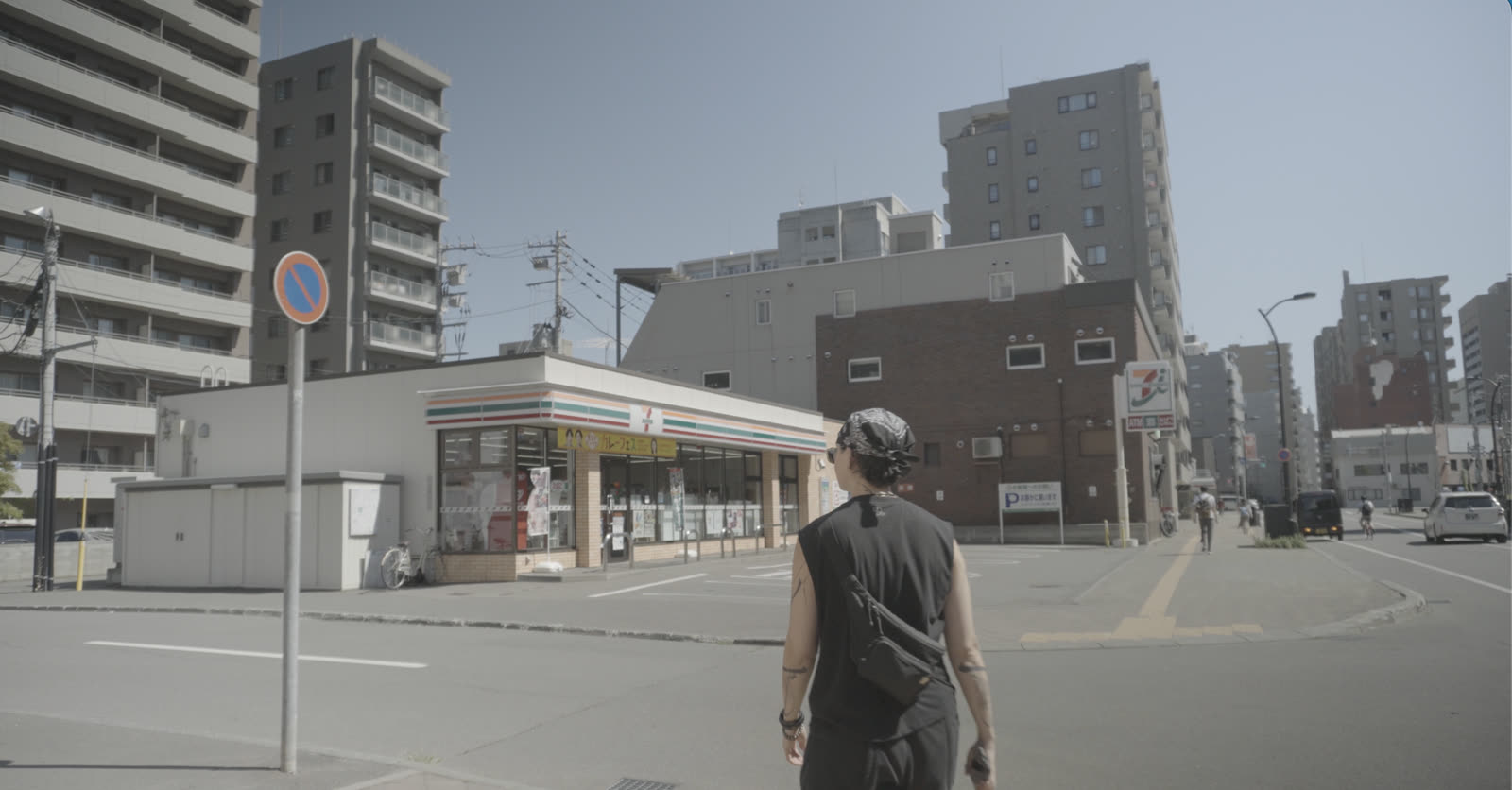
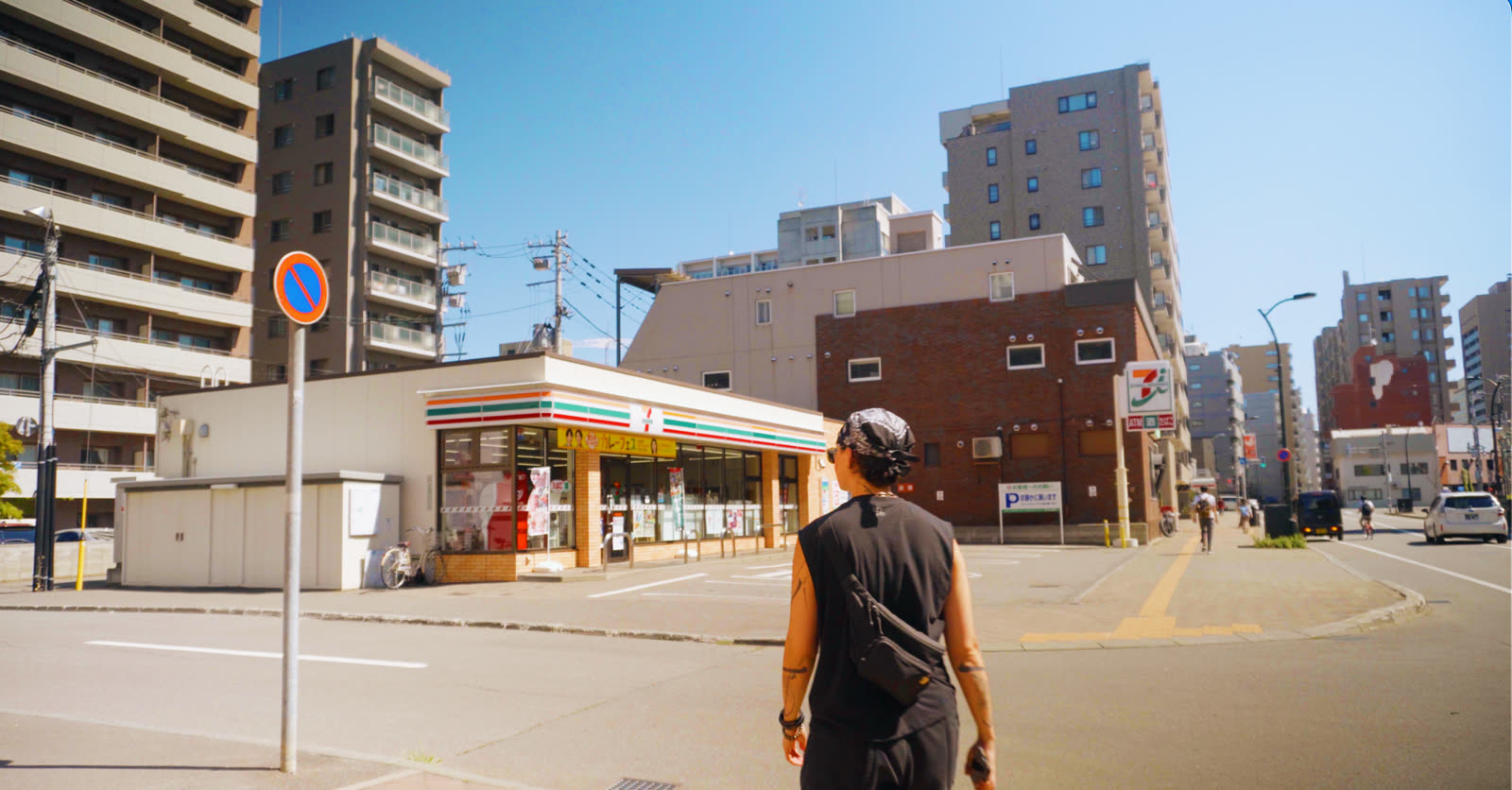
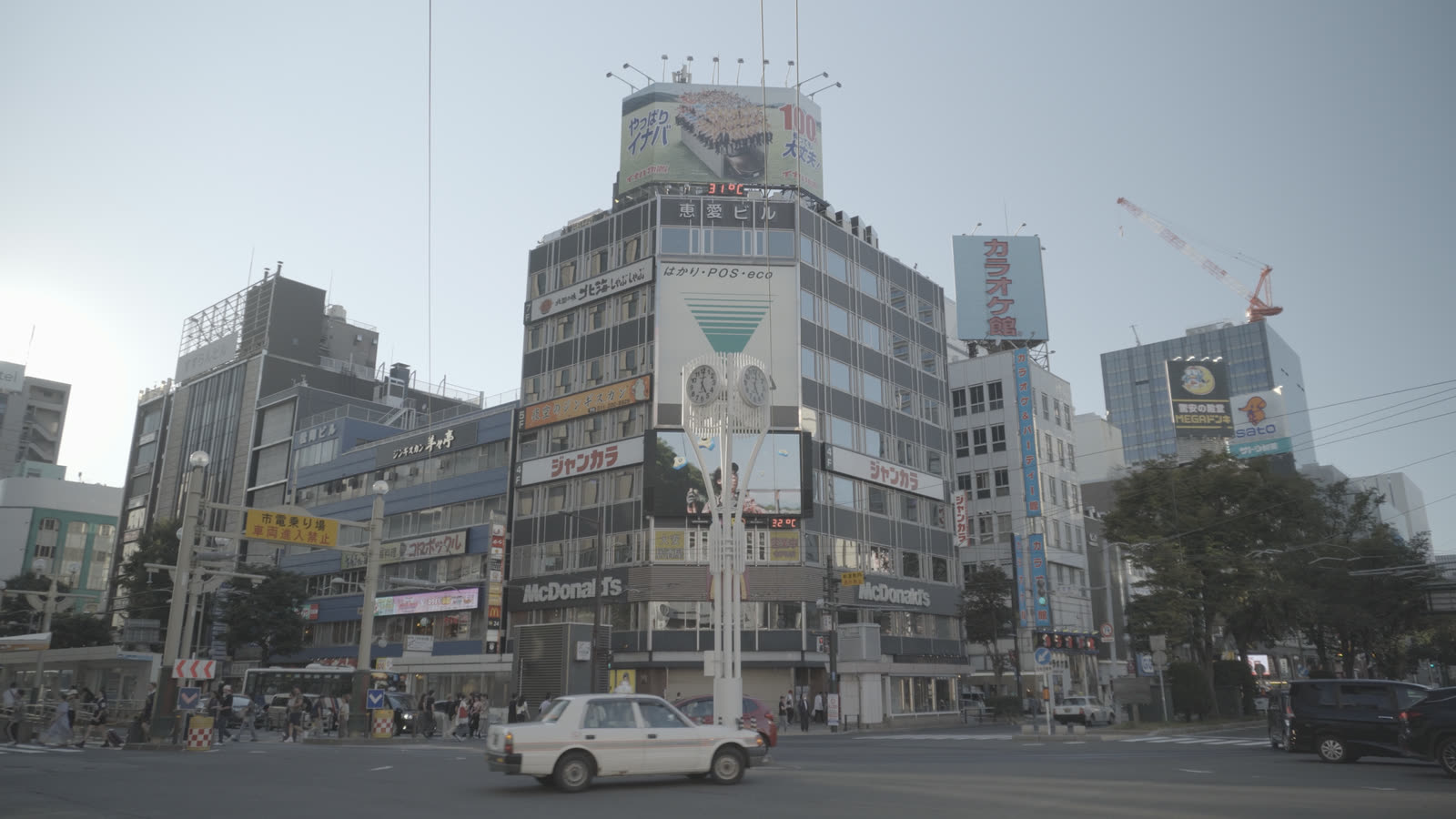
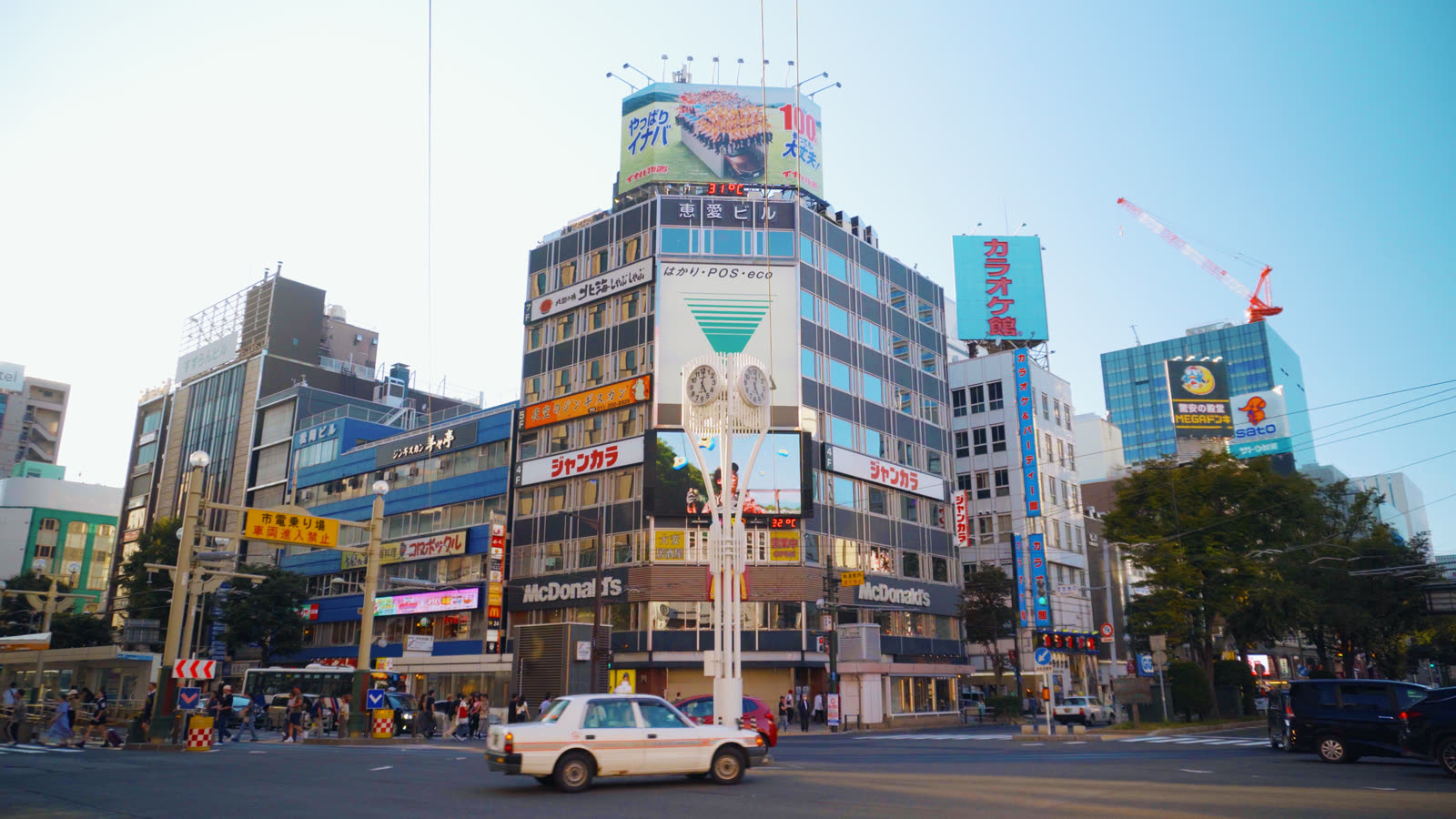
Sora
The house signature: turquoise-leaning skies that keep their gradient, warm red mids under cold whites, skin that stays skin.
See Sora → -
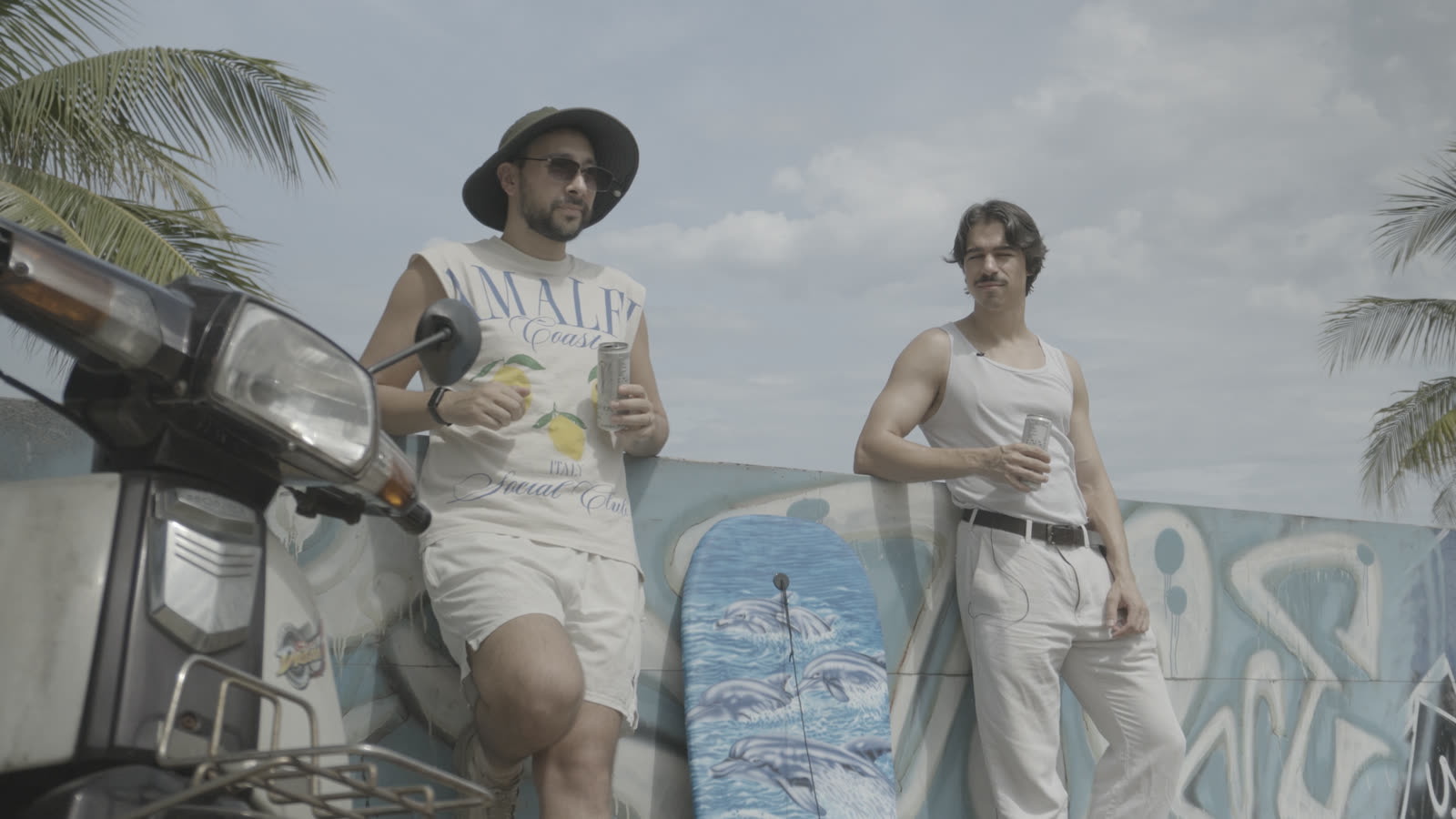
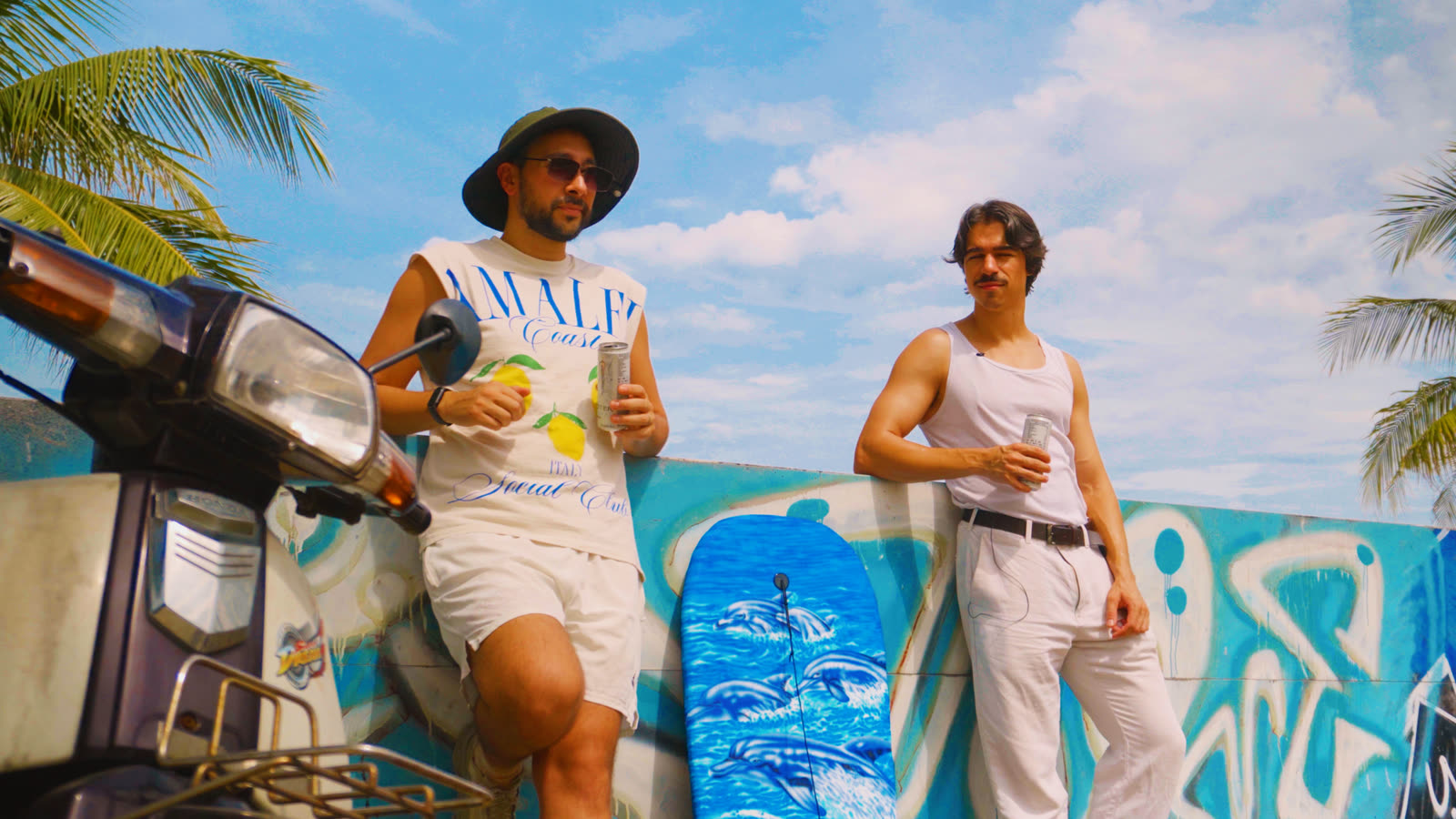
Retro Surf
70s-postcard: a cool turquoise world with warmth laid only on people and whites, pink clouds over a cyan sky.
See Retro Surf → -
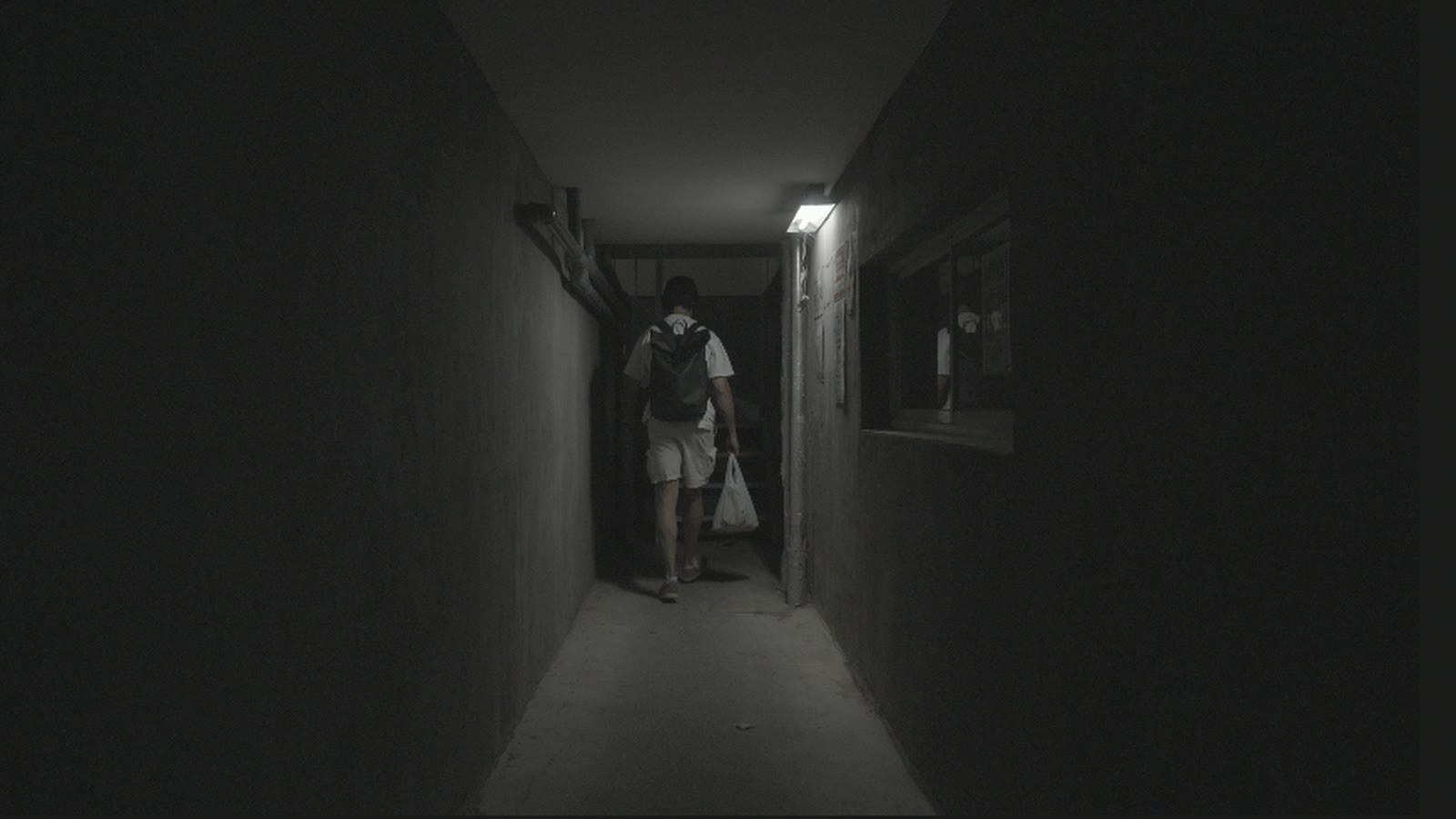
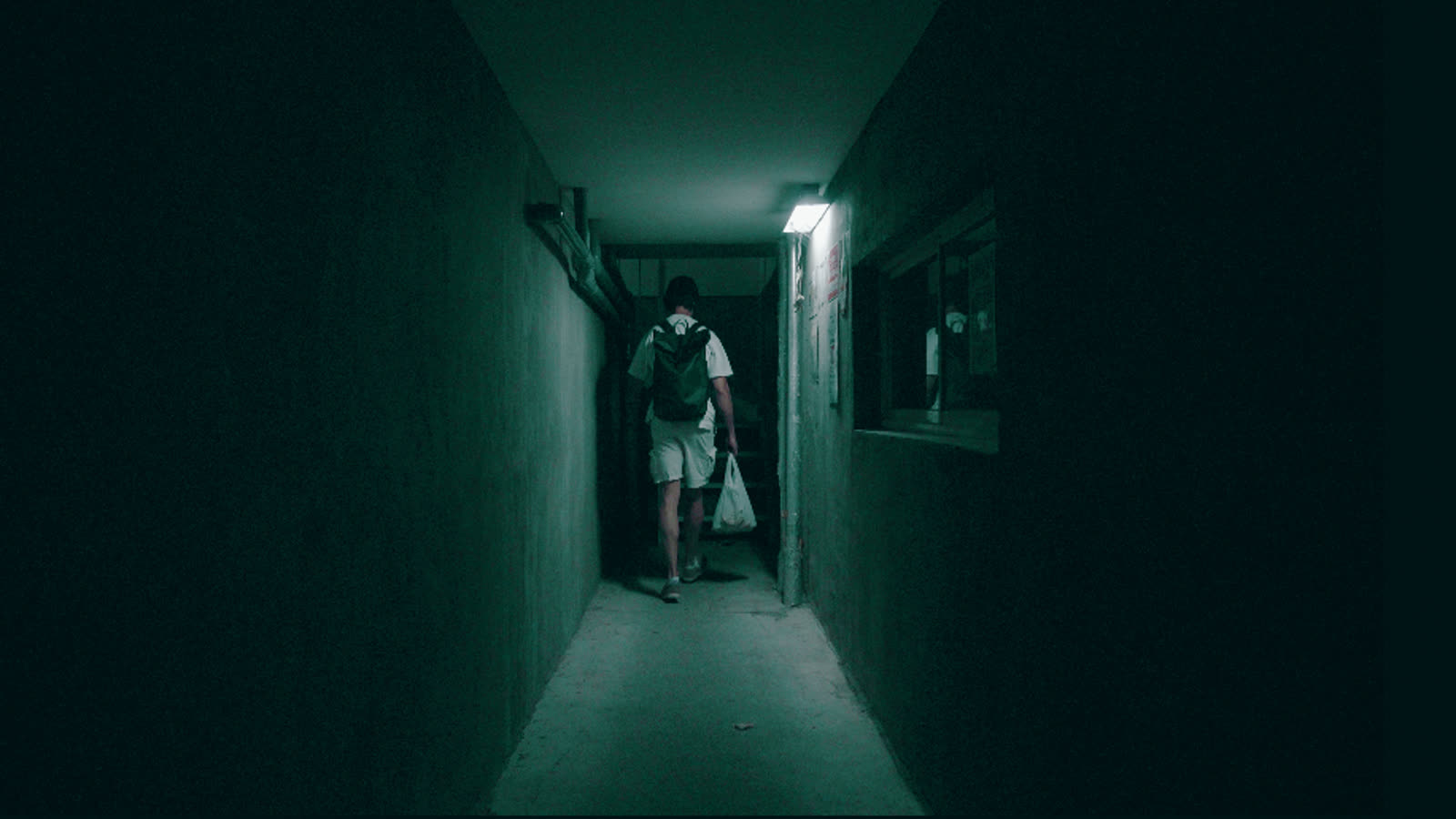
Horror Green
A corridor drowned in sick emerald, with the practical lights still glowing white. Your exposure untouched.
See Horror Green → -
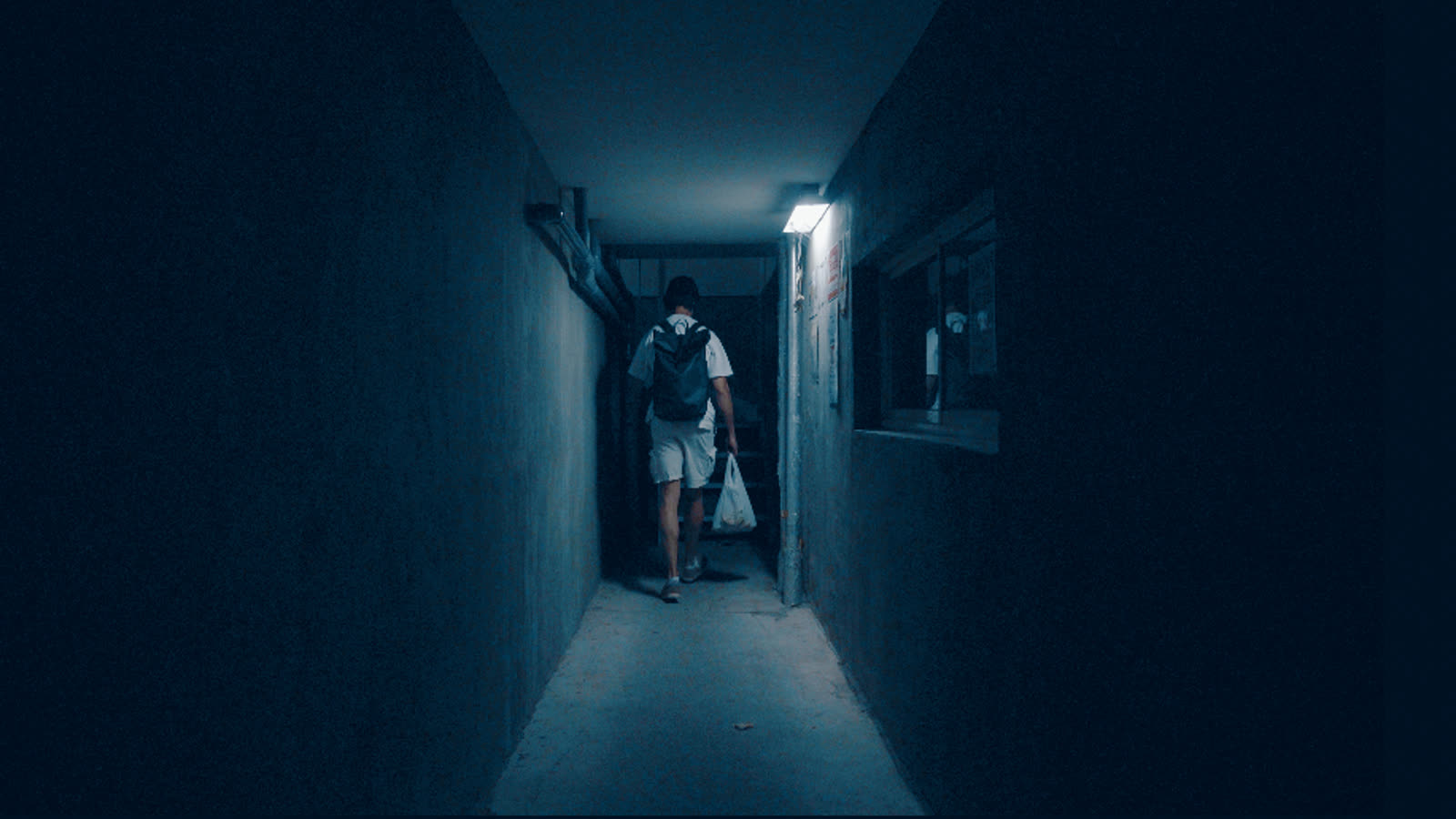
Horror Blue
The same dread in steel: a corridor flooded with deep blue, the lamp still burning white.
See Horror Blue → -
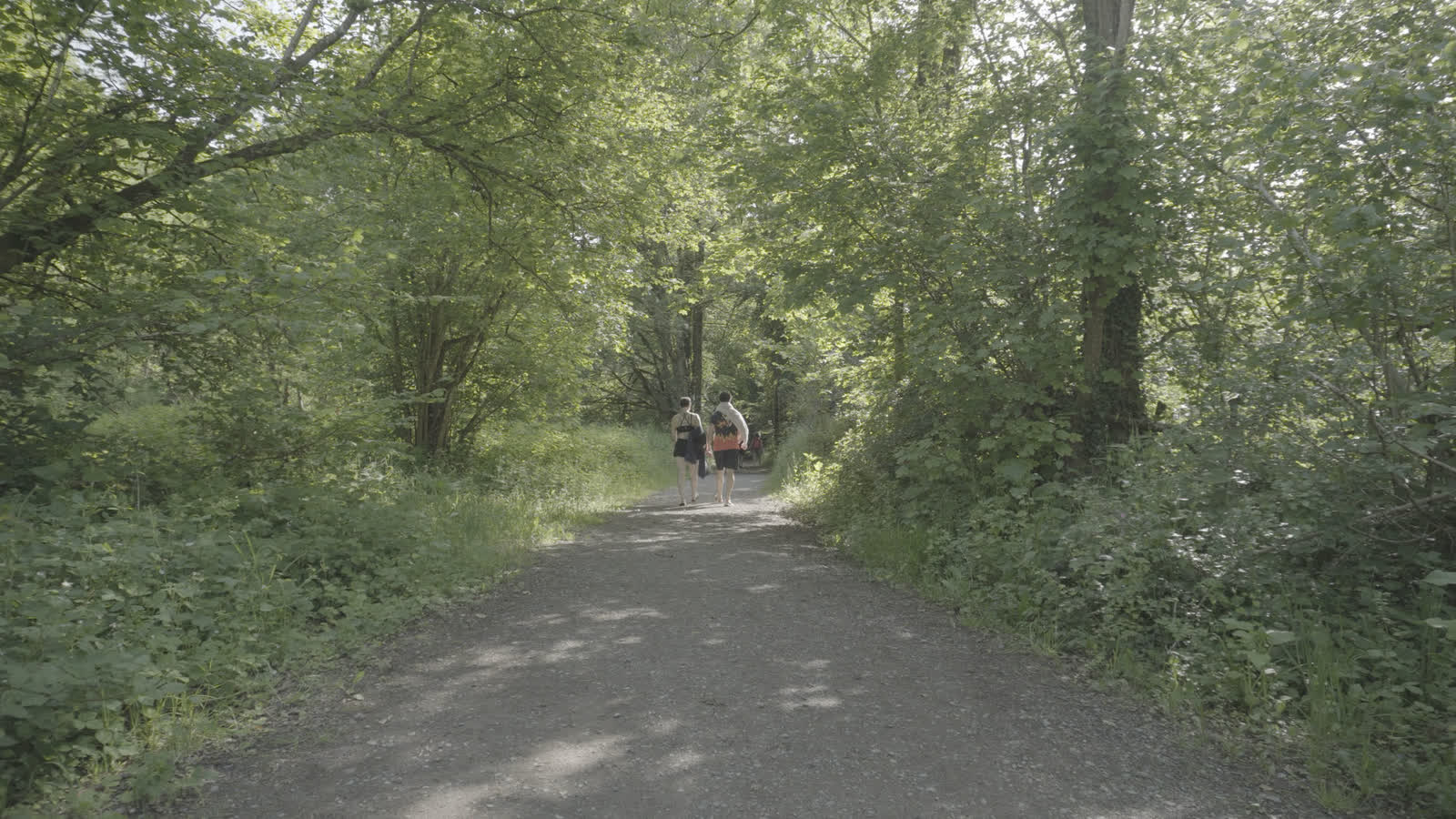
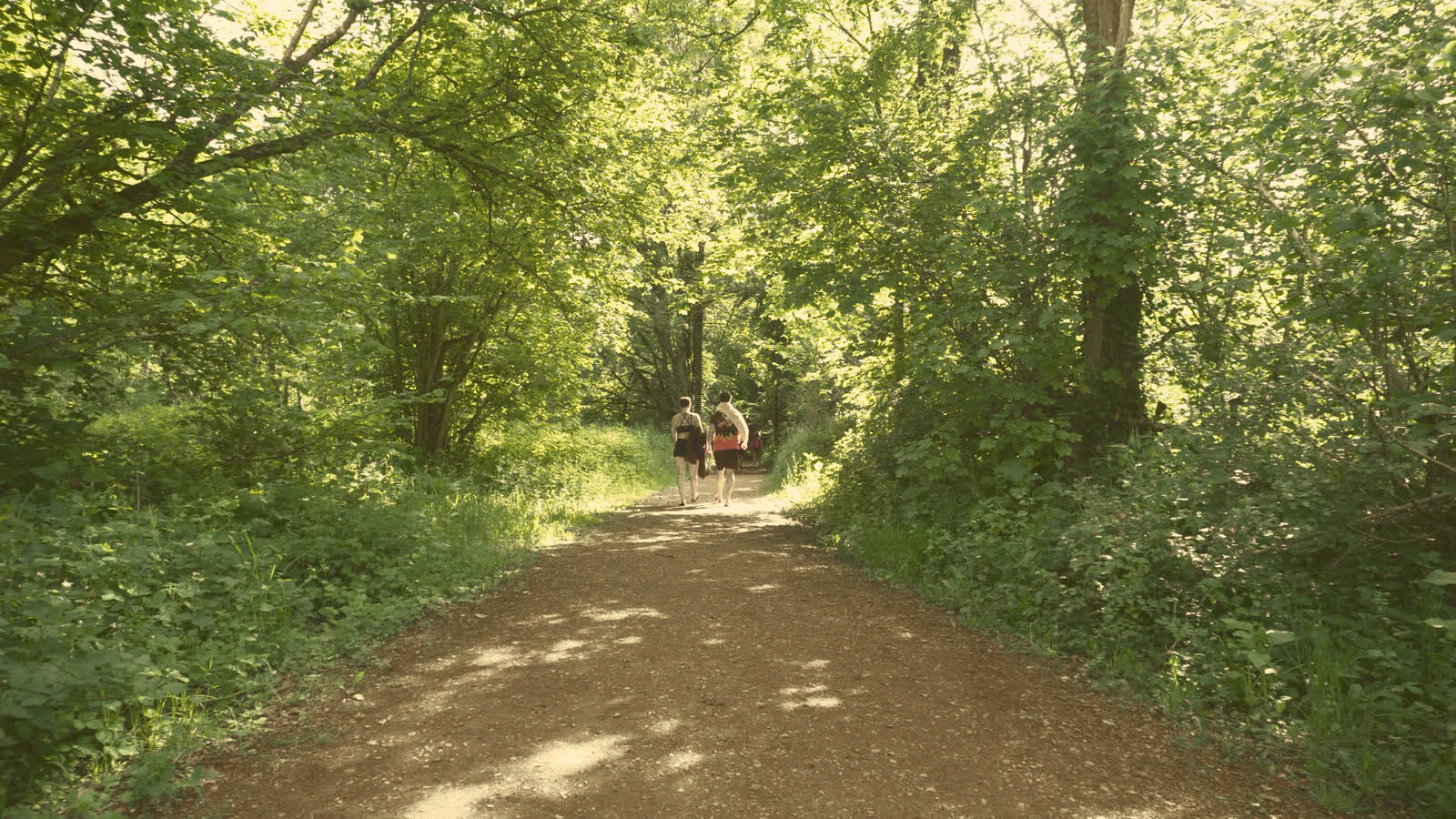
Vinland
The elf-world grade: gold in the highlights, a warm floor so nothing is ever black, dirt trails a proper brown, greens vivid and luminous, skies a light pastel blue.
See Vinland → -
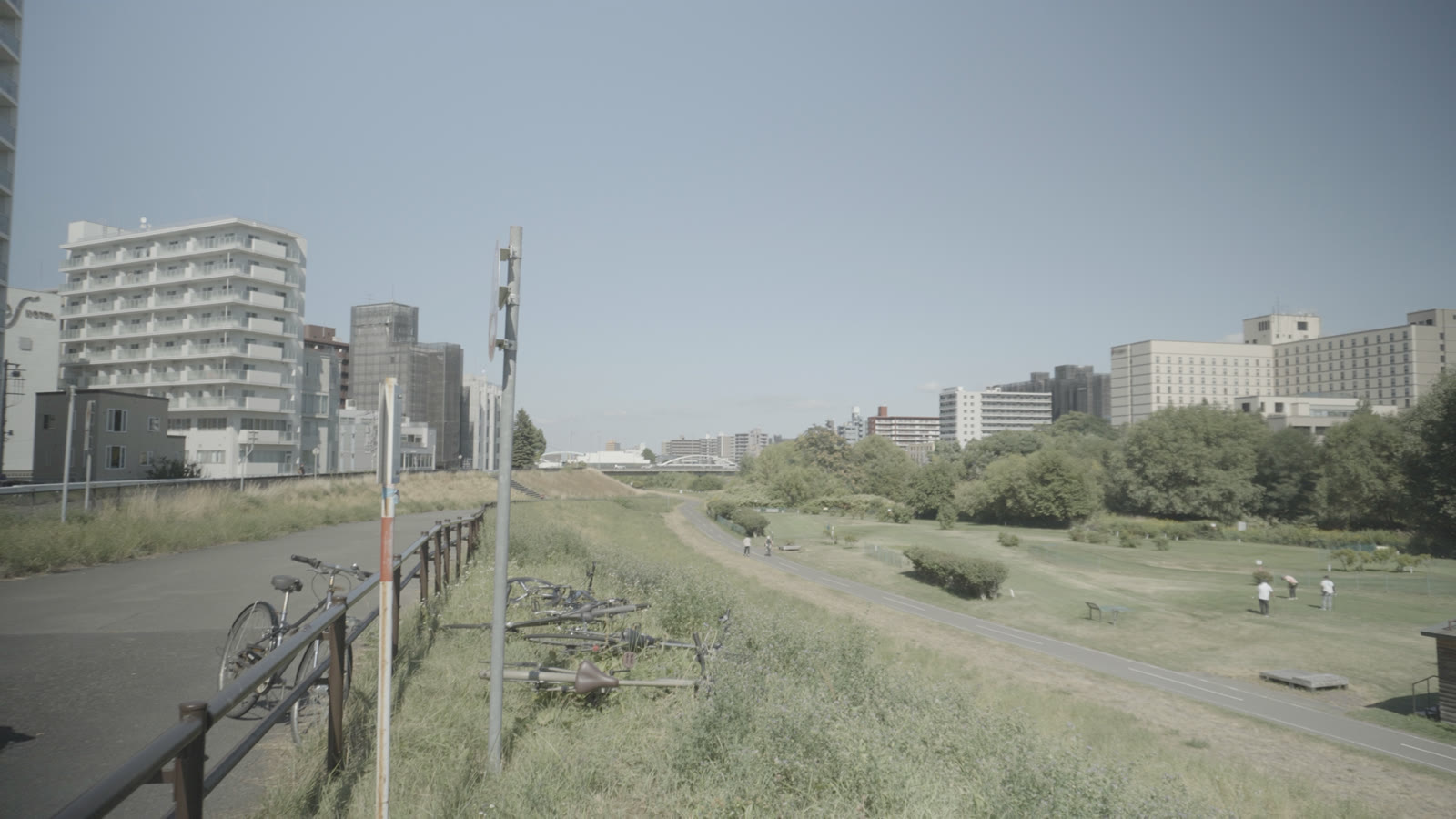
Panelka
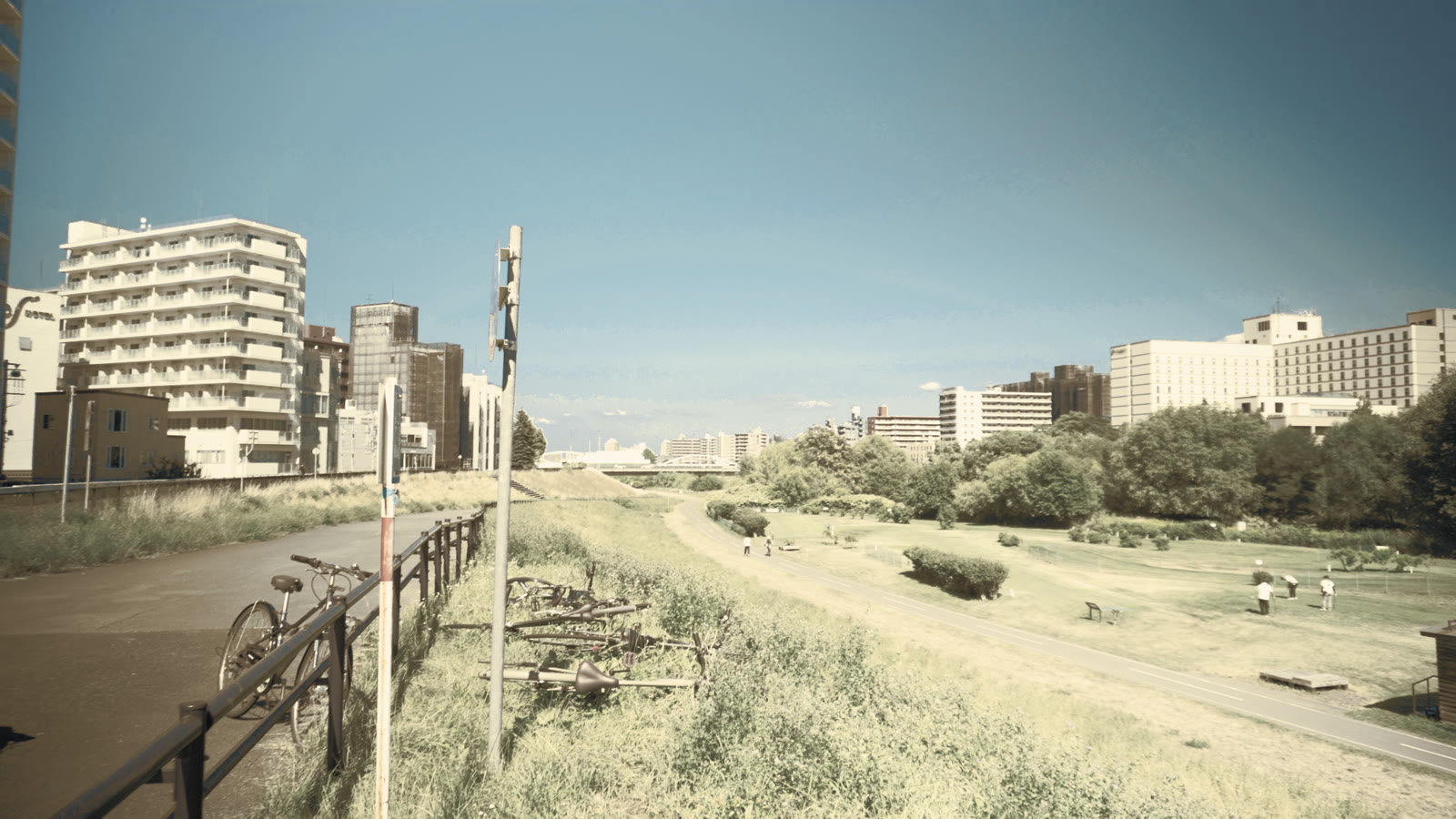
The cold one: blacks that actually reach black, a grey-blue floor, deep skies, and colour held on a leash so a shop sign cannot shout over the concrete.
See Panelka → -
Ronin
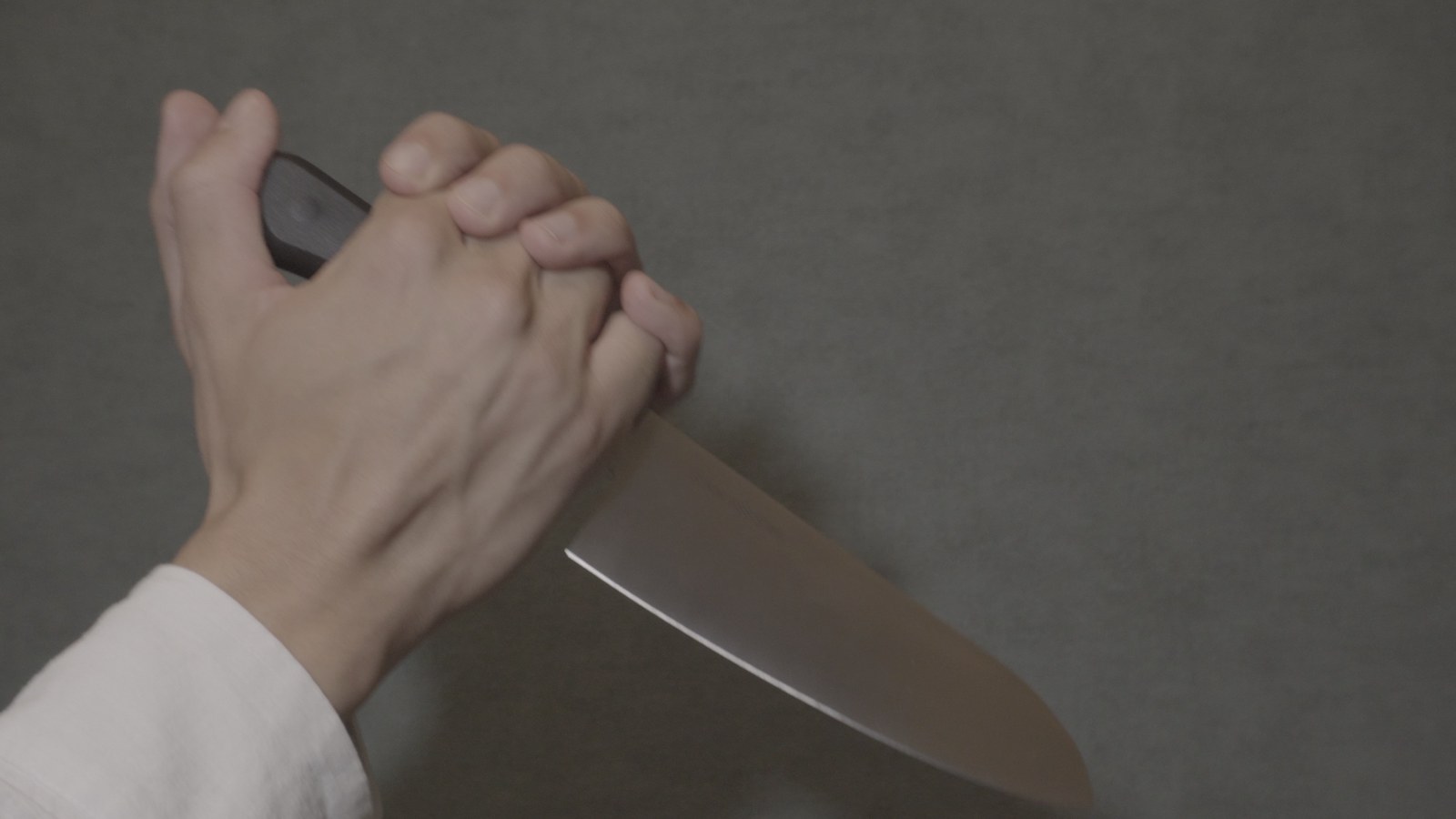
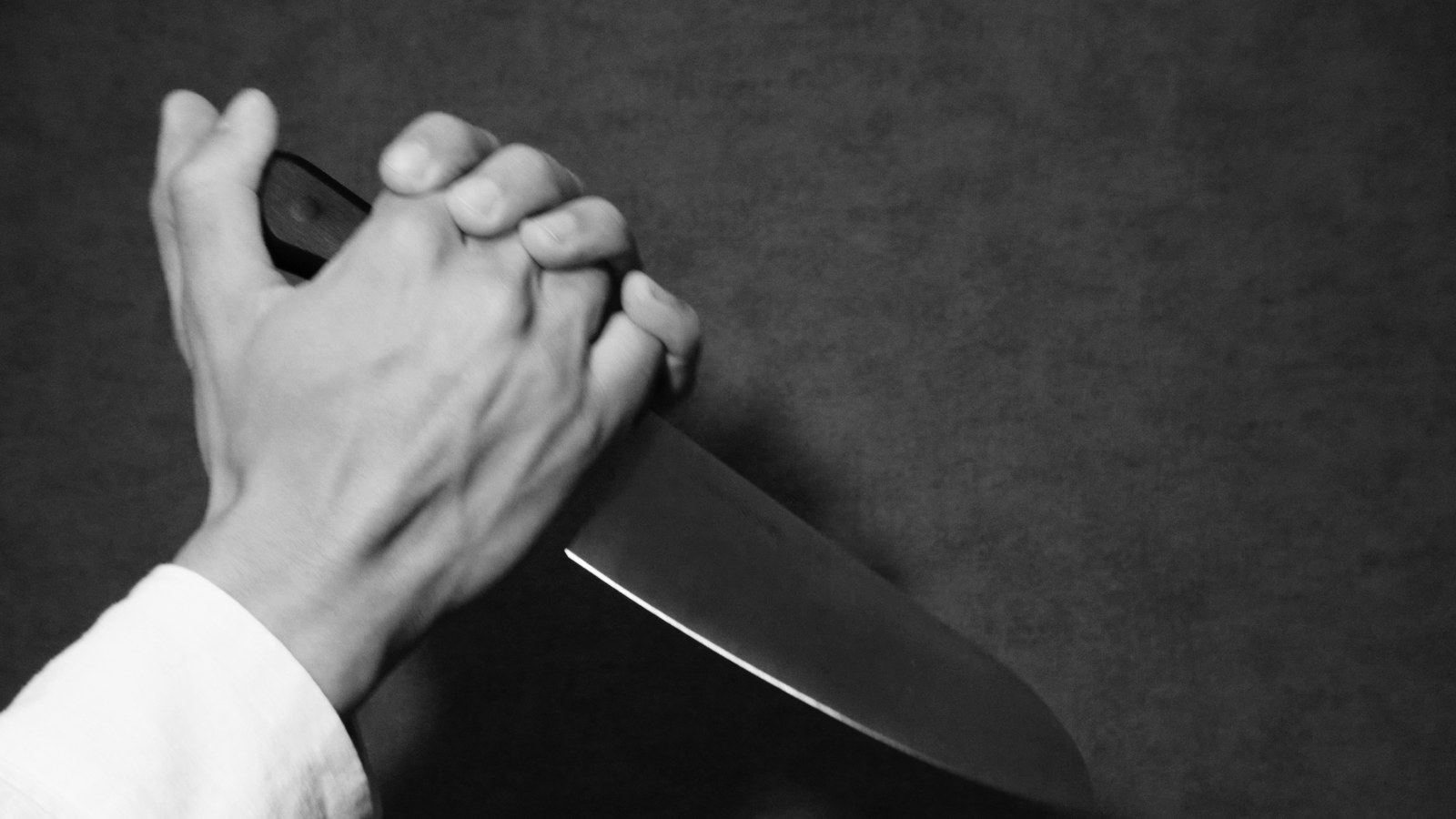
Black and white the way film did it: a red-weighted channel mix, so skies go dark, foliage drops away and skin stays bright and smooth. Not a saturation slider at zero.
See Ronin → -
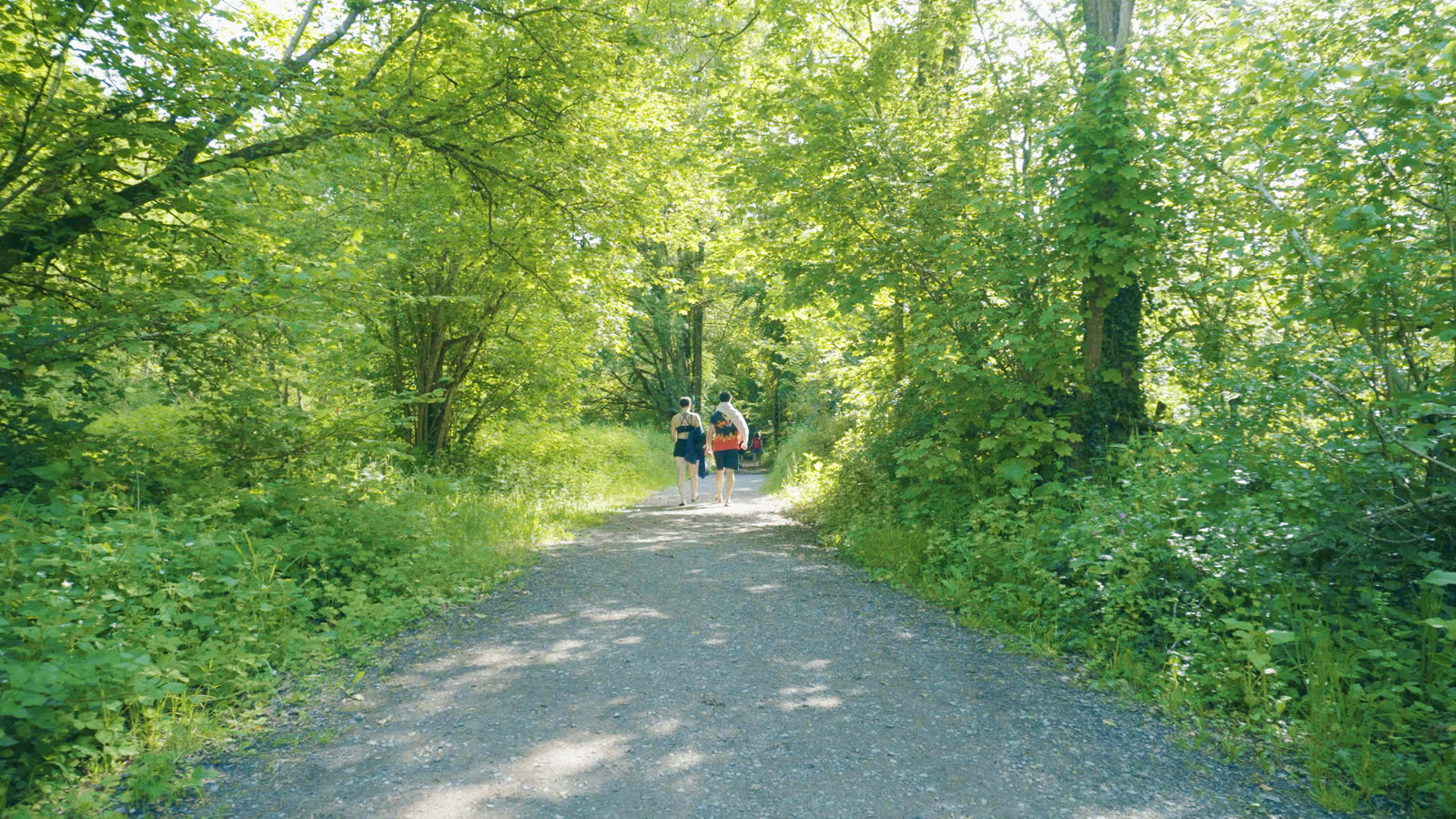
Calm Blue
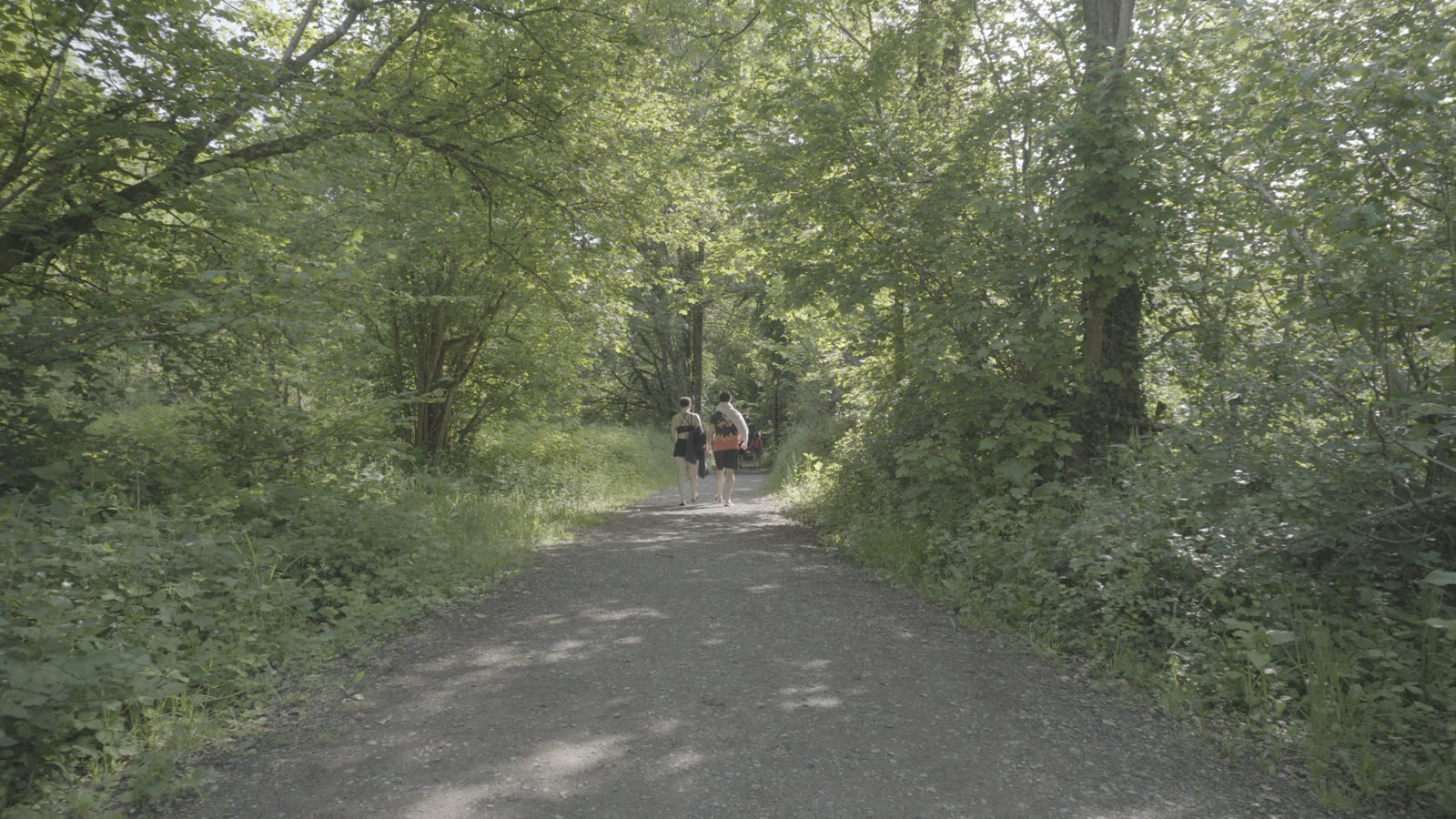
Luminous blue-green daylight: the colour lives in the shade and the whites stay pure, which is what makes it read bright rather than filtered.
See Calm Blue → -
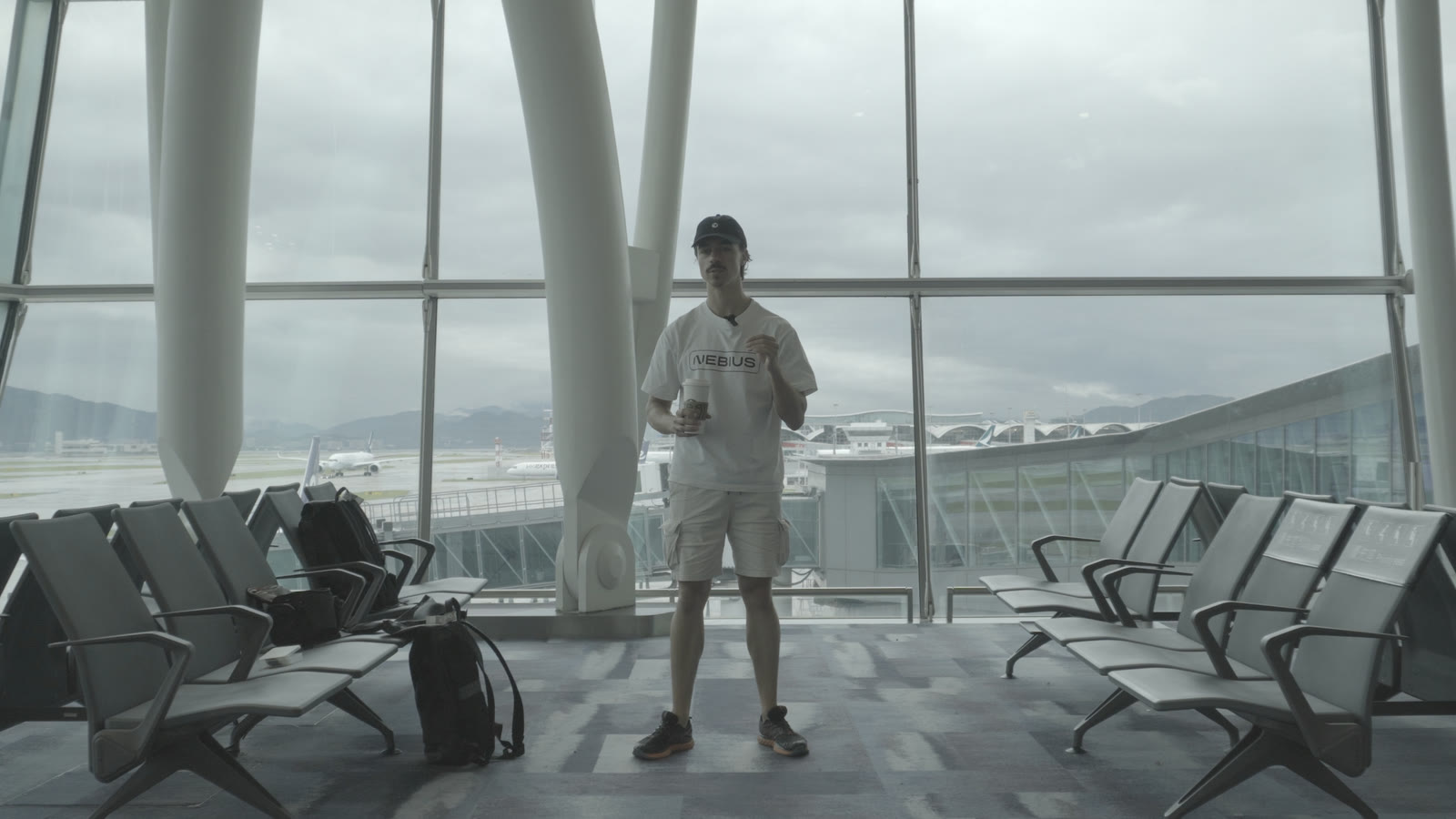
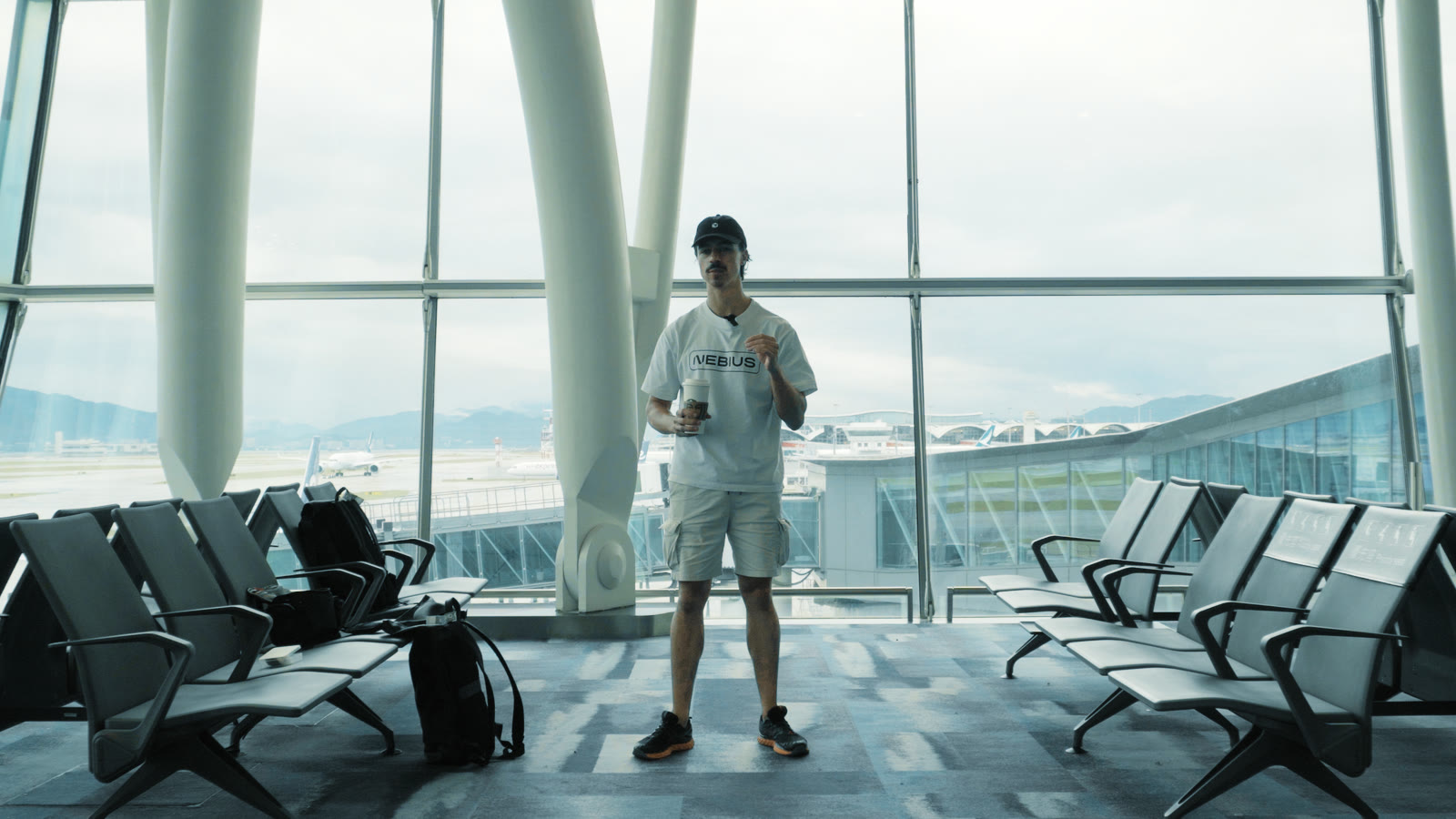
Bold Cinema
Teal-orange with deep blacks: the world goes teal and dense while skin stays bright and natural, not orange plastic.
See Bold Cinema → -
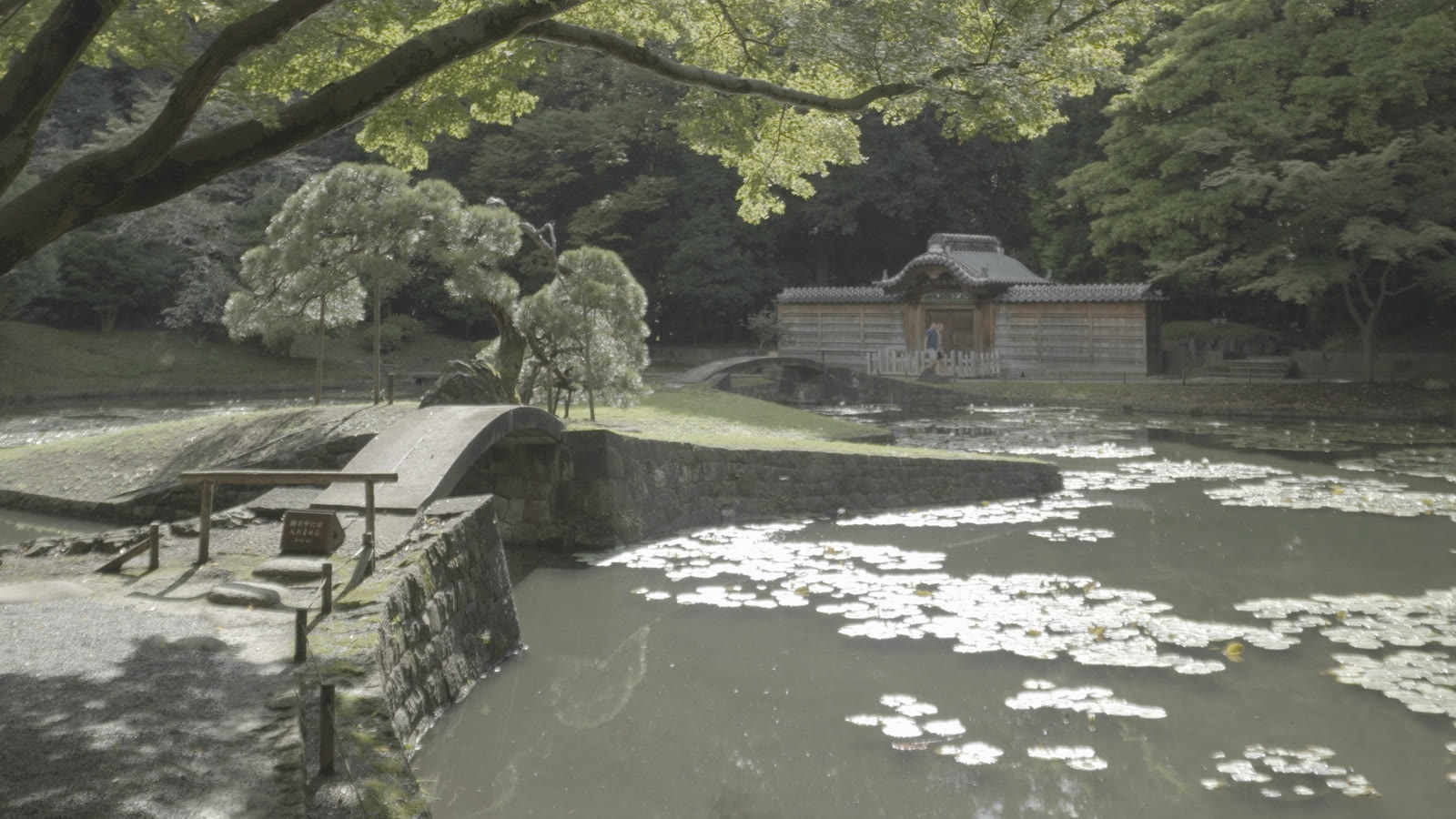
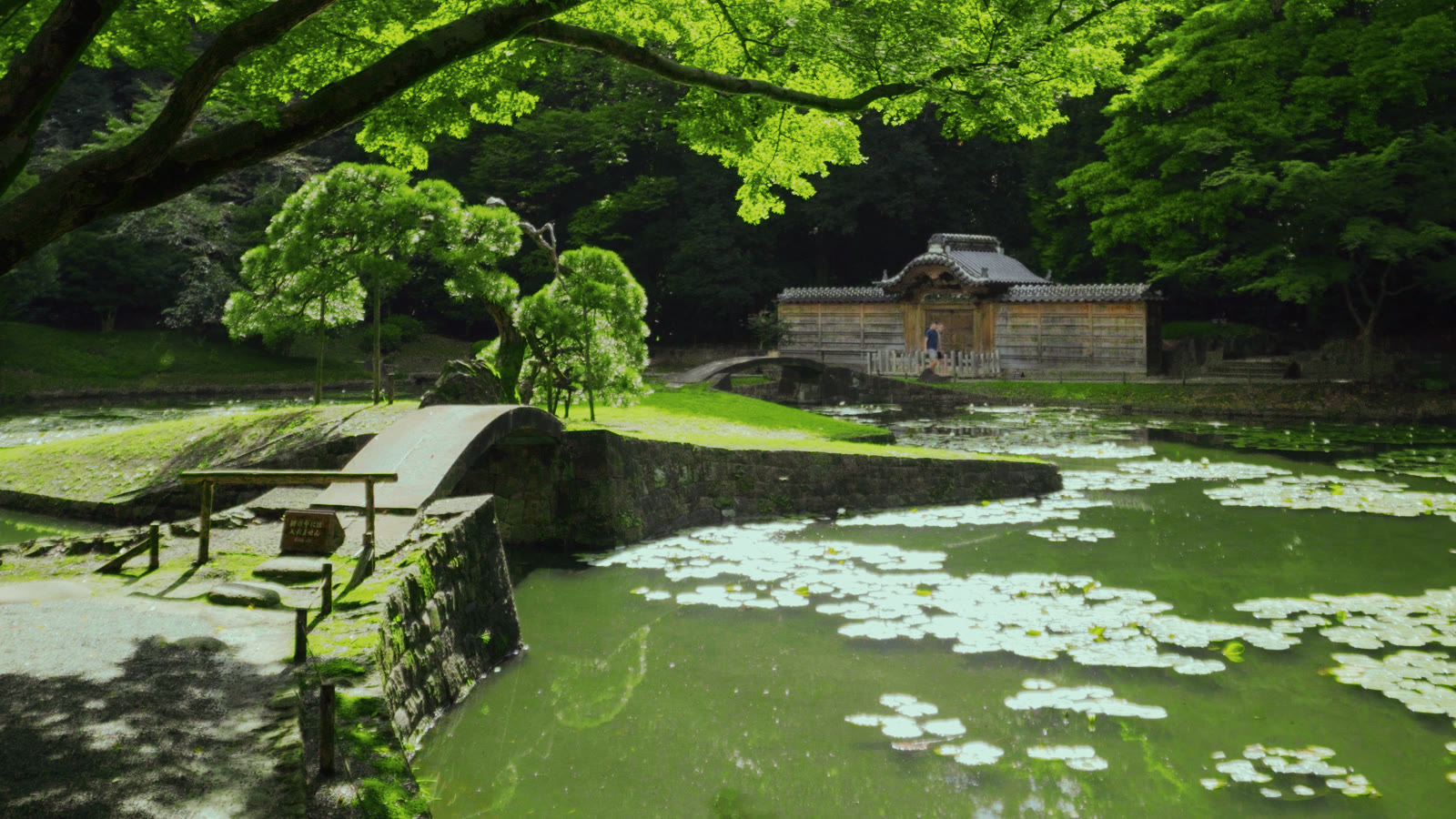
Matcha
A lush jade-and-lime world: greens that deepen in the shade and glow in the sun, green-black shadows, a matte pale-mint top, skin kept human.
See Matcha → -
Golden Hour In tuning
The whole frame dipped in late sun: golden highlights, greens gone amber, a soft magenta floor.
Nothing with that tag yet. More looks are in tuning.
Download the pack
Pick the version that matches how you shoot and get every look in one zip, each file already correct for your footage, plus the license and a one-page install guide for Resolve, Premiere, Final Cut and CapCut.
While it downloads
The look is the last 5% of a video people finish.
A LUT makes footage look good. Whether anyone watches to the end comes from what you shoot and how you tell it. Two free places to start, no signup:
Want the whole team behind your next video? See what Vanpelt Studio does →
Why free? Because of what I actually sell.
No mystery and no growth hack: I make videos, and I build Vanpelt Studio, an app for the part of video-making that happens before the edit. These LUTs are the real grades from my own projects. Giving them away costs me a download link, and if one of them is the nudge that gets you to press record and publish something, that's the outcome I'm after. More people making videos is good for me in the most boring, direct way.
The other honest half: color is the easy part of the craft, which is exactly why it can be free. The expensive part is the evening you stare at a card full of clips wondering if there's a video in there. That's the problem the paid app works on. Grab the LUTs either way: they work fine without ever touching the product.
One thing worth saying because most "free LUT" pages can't: these are generated from scratch by our own code, so every curve and hue decision is original math rather than someone else's pack re-zipped. That's why the license below has no asterisk on commercial use.
What a LUT can't do (and the ten seconds that finishes it)
A LUT maps one colour to another colour. It sees a single pixel and knows nothing about the
pixels around it, so three things can never live in a .cube: grain,
bloom, and sharpness. All three are spatial, meaning they
depend on neighbouring pixels.
Add them after the LUT and they take seconds. In Resolve that's Film Grain OFX on a subtle 35mm preset, Glow OFX at a high threshold, and Midtone Detail around 15 to 25. What reads as "clean and detailed" in a photograph is mostly tonal separation, which these looks do supply, plus edge detail, which they can't. That last node is the difference.
Which pack, and what if it looks wrong?
Pick by what your camera records, not by what camera it is. If your footage comes out washed out and gray, that's log: take the pack named for your profile, or the generic log pack if it isn't listed. If your footage already looks normal, or you shoot a flat / Cine profile (GoPro Flat, Sony Cine2-4, Canon Neutral), take the Flat pack.
It matters because the wrong pack fails quietly. Log footage stores its blacks lifted, and the log LUTs put them back down. Flat and standard footage already sits at true black, so a log LUT subtracts a black point that was never there and crushes the bottom of the image. If everything but the brightest areas turns to mud, you're one pack away from the fix.
And on lowering the opacity: that's a taste control, not a compatibility one. Use it if a look is stronger than your video wants. It won't rescue the wrong pack, because blending a crushed image back only gives you a half-crushed image with half a look. The shadows are already gone by then.
The license, in plain words
Use these LUTs in any video, including commercial and monetized work. Modify them for your own projects. Don't re-host, resell, or bundle the files anywhere else. Link people here instead. No credit required; a mention is appreciated. The full text ships in every zip.